

Intro
This article explains how to migrate your embedded cards from the previous URL to the new Card Embed URL. The migration is a URL-only change — no new embed token, no admin reconfiguration, and no changes to your existing card setup. The steps differ slightly depending on your embed type. The new embed framework is enabled in customer instances on September 23, 2026. Migrate your cards to the new URL format before March 31, 2027. If you experience any issues or the feature is not working as expected, email support@domo.com.Migrate Public Embed Card URLs
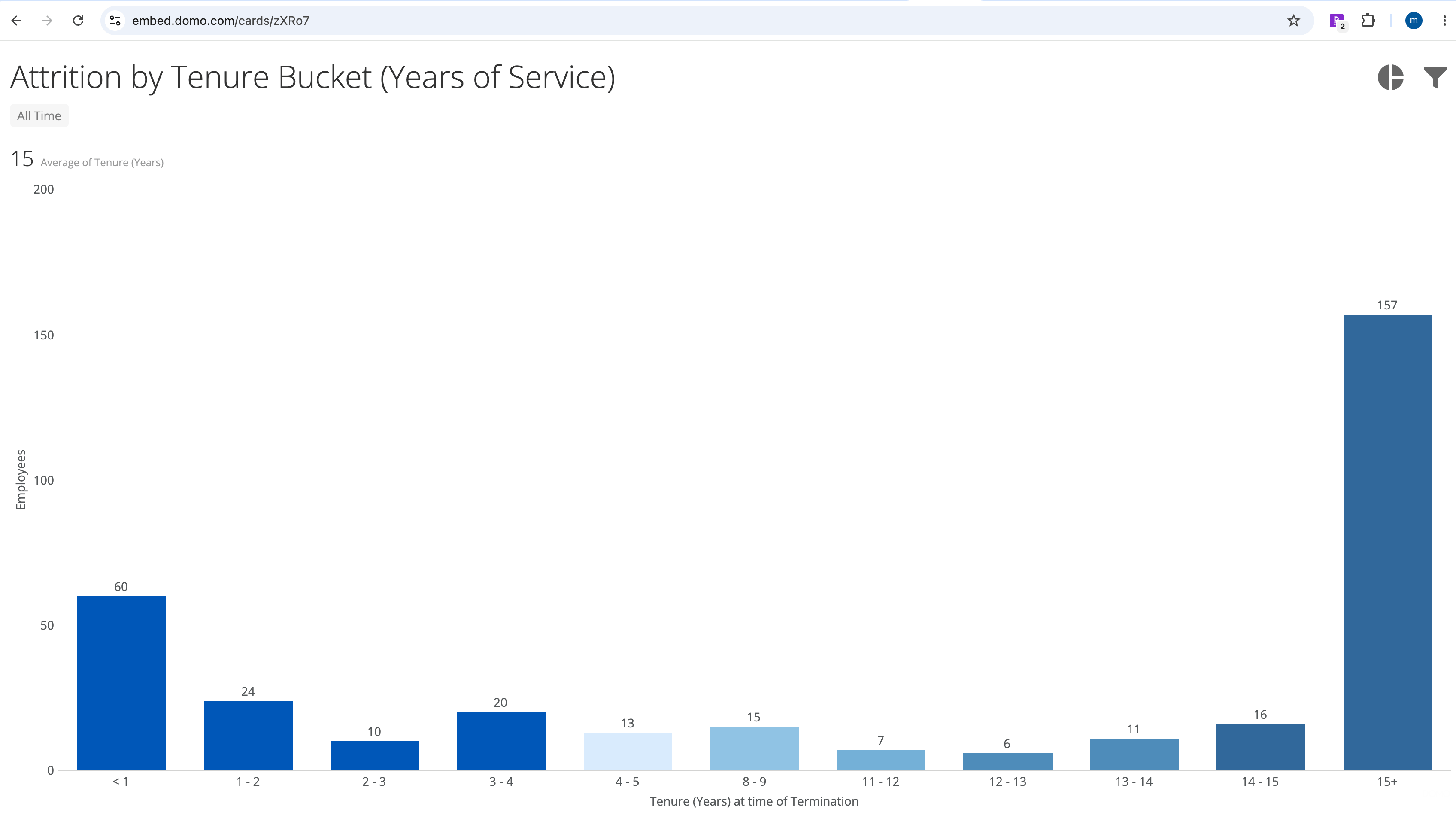
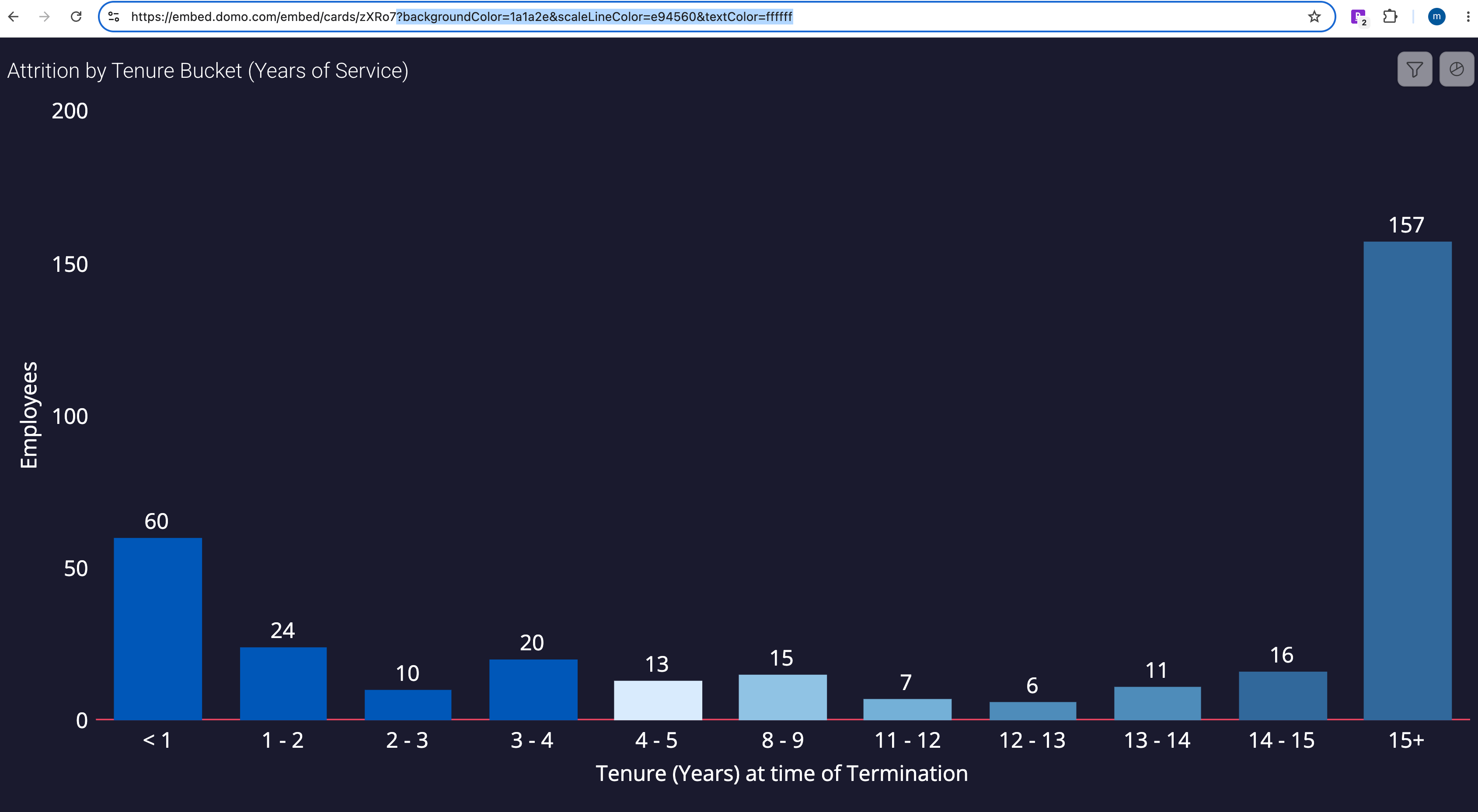
To migrate publicly embedded cards, append/embed before /cards in the embed URL.
You can also append customization parameters directly to the public embed URL. For example:
Migrate Private Embed Card URLs
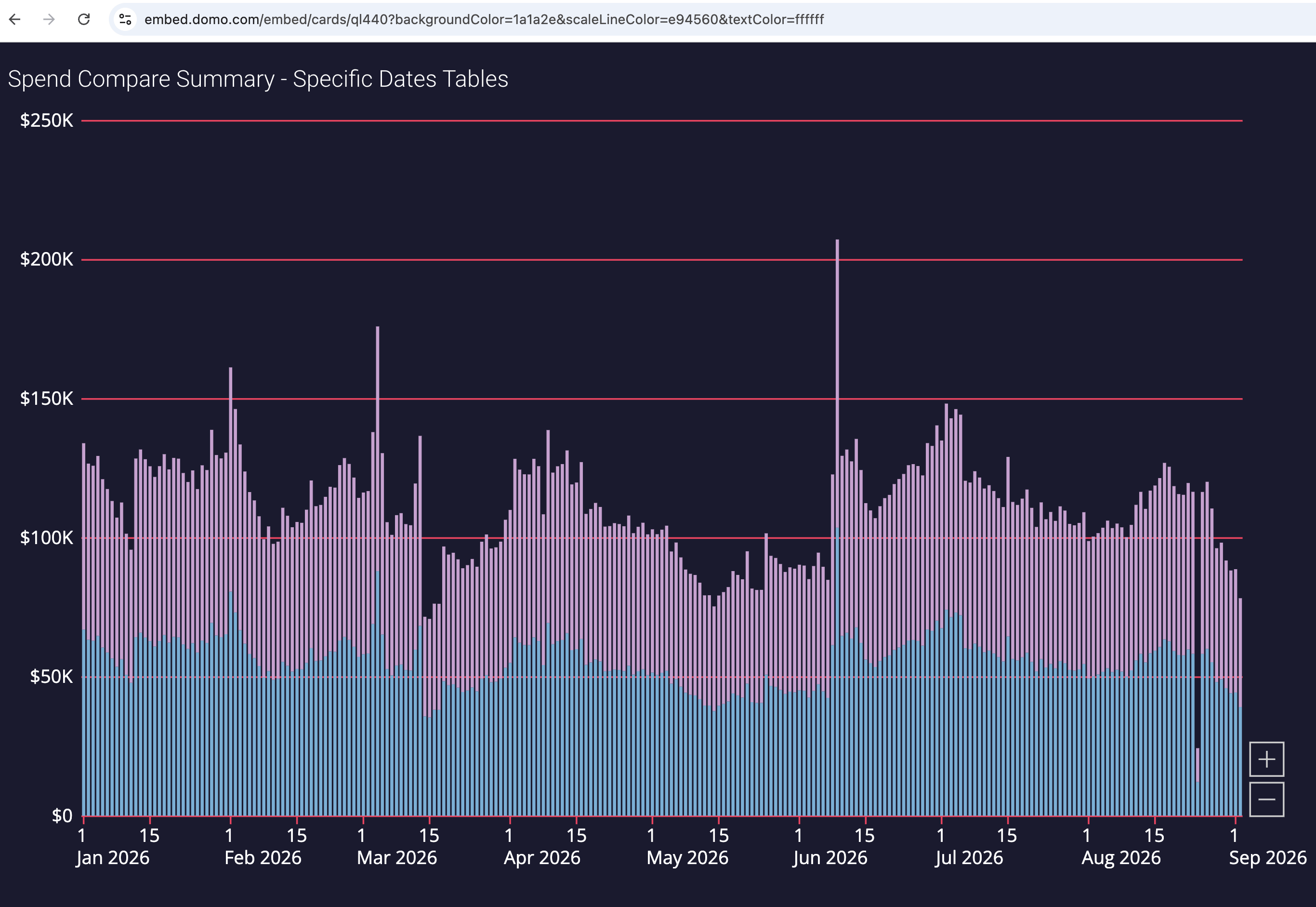
To migrate privately embedded cards, insert/v2 after card in the embed URL.
You can also append customization parameters directly to the private embed URL. For example:
Migrate Programmatic Embed Card URLs
Programmatic embed follows the same URL pattern as public embed. Update the URL you construct in your server-side code to append/embed before /cards in the embed URL.
You can also append customization parameters directly to the programmatic embed URL. For example: